
To attach a file at the document level:
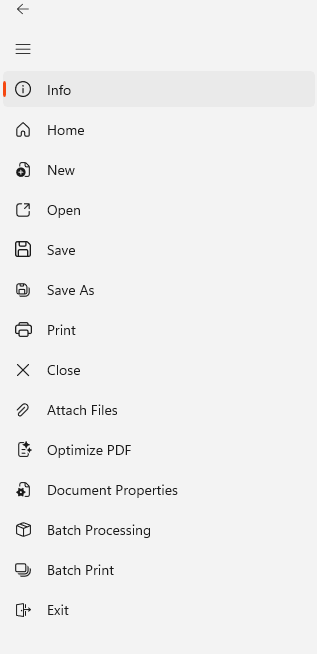
- In the File menu, select Attach Files
- The Open dialog appears
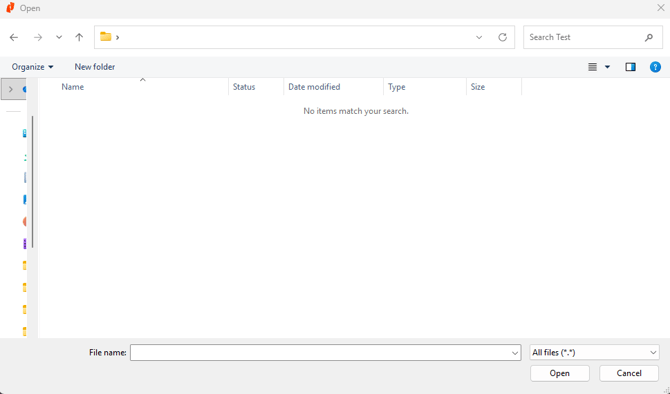
- Browse to the file you wish to attach
- Select the file
- Click Open
The file is now attached to your PDF document, and is embedded in the file when you save it.
Last updated: June 2026