
Once you've verified your domain, you can choose how to manage users who sign up with email addresses belonging to your domain. Verifying a domain is also required to enable other Enterprise features such as Single Sign-On.
Step 1: Add your domain
Your first domain will already be added for you and should appear in your list of domains.Adding a new domain
- Login to the Nitro Admin Portal
- Select Settings in the left navigation pane and navigate to the Domain tab
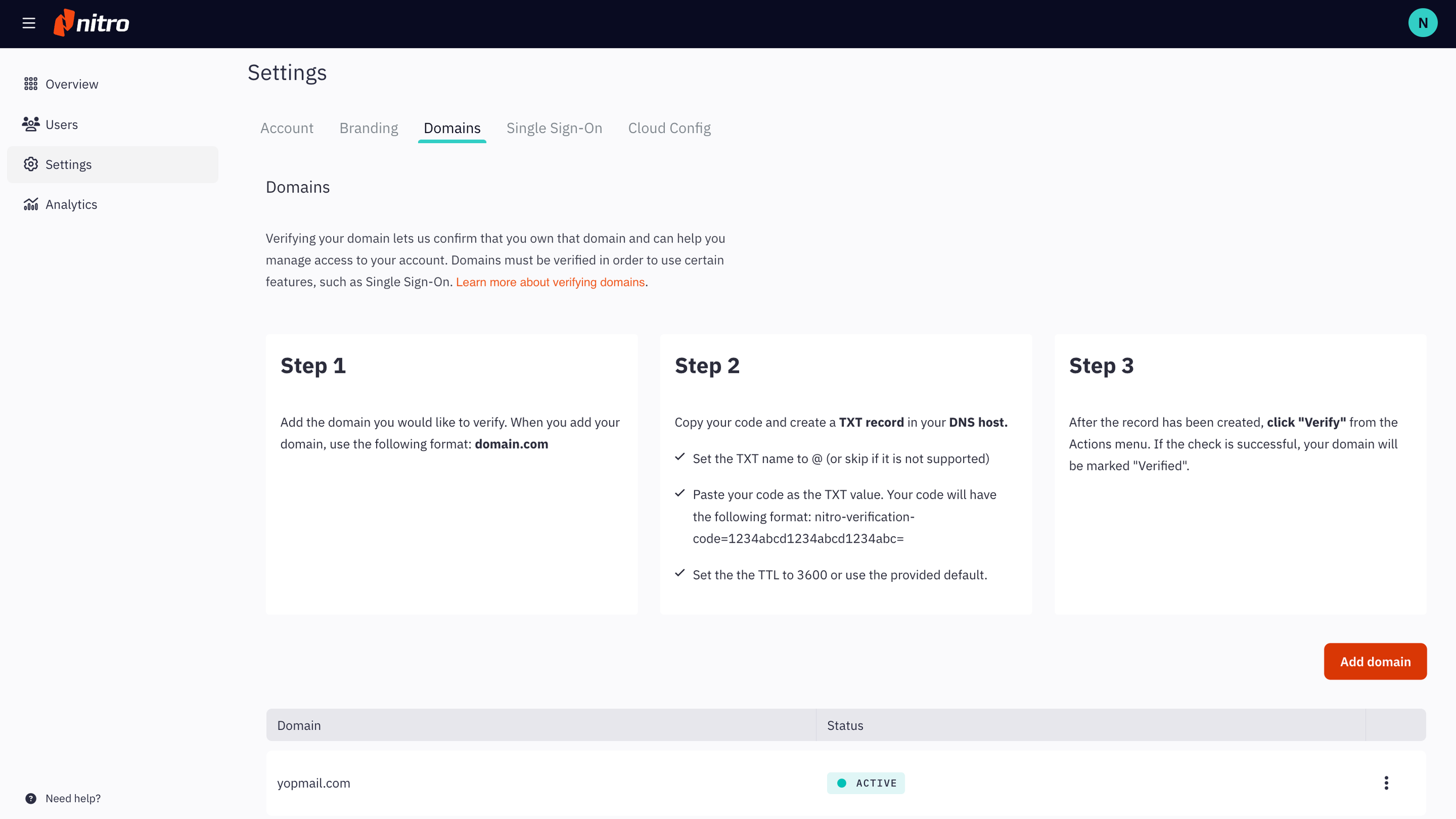
Step 2: Create a TXT record in your DNS host
Viewing your code- Find your domain's code by selecting View Code from the Actions menu.
- Copy your code to the clipboard.
- Set record type to TXT
- Set the alias or host name to @ (or skip it if it is not supported)
- Paste your code as the TXT value. Your code will have the following format: nitro-verification-code=1234abcd1234abcd1234abc=
- Set the TTL to 3600 or use the provided default