
To Open Nitro Assistant
Note: A document must be open in Nitro for Nitro Assistant to be enabled. If no document is open, the option is disabled.
- Navigate to the Smart Tools or the Convert tab
- Click the Nitro Assistant button

- The Nitro Assistant window opens
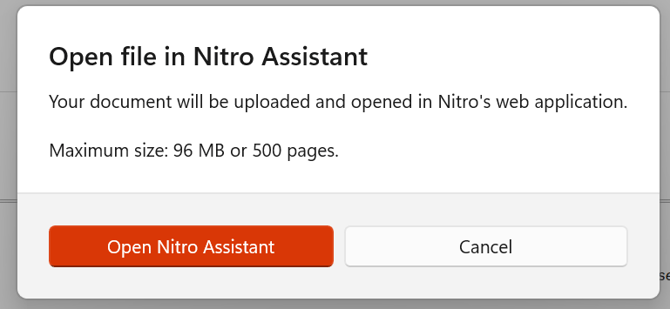
- Click Open Nitro Assistant to upload and open your document in Nitro’s web application
- Click Cancel to stop the process
- Nitro’s web application opens
Notes:
-
You might need to authenticate
-
You can upload files up to 96MB in size or 500 pages
For more information regarding Nitro Assistant, visit: https://www.gonitro.com/user-guide/nitro-workspace/document-assistant
Last updated: June 2026