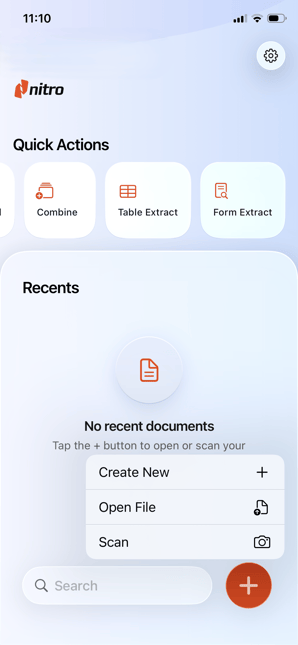
The Home Screen is the first screen you see when opening Nitro PDF Pro. It provides access to commonly used features and documents:
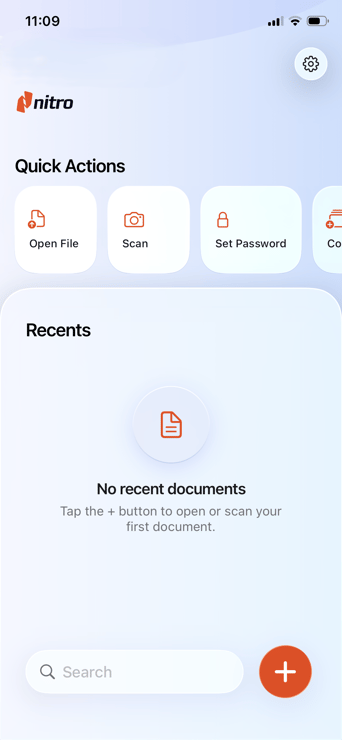
- Recent Documents: Access files you’ve worked on recently.
- Quick Actions: Buttons for common tasks, such as:
- Open File
- Combine Files
- Set Password
- Table Extract
- Form Extract
- Search Bar: Find recent documents
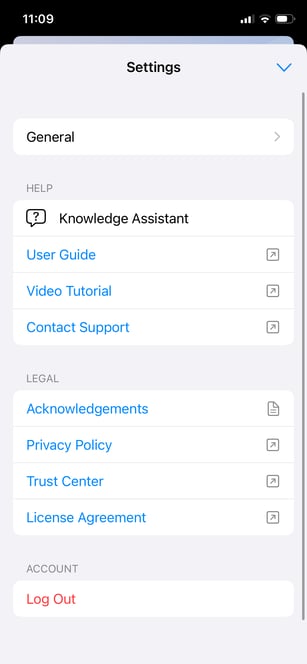
- Settings: Access application settings and preferences
- Other Actions: Perform tasks like Create New File, Open Files, or Scan Files