
Note: This feature is available only to members of our business plans.
How to set up Custom Branding for your account:
As the Global Administrator of you Nitro account,- Login to the Nitro Admin Portal
- Select Settings in the left navigation pane and navigate to the Branding tab
- Click Edit Branding
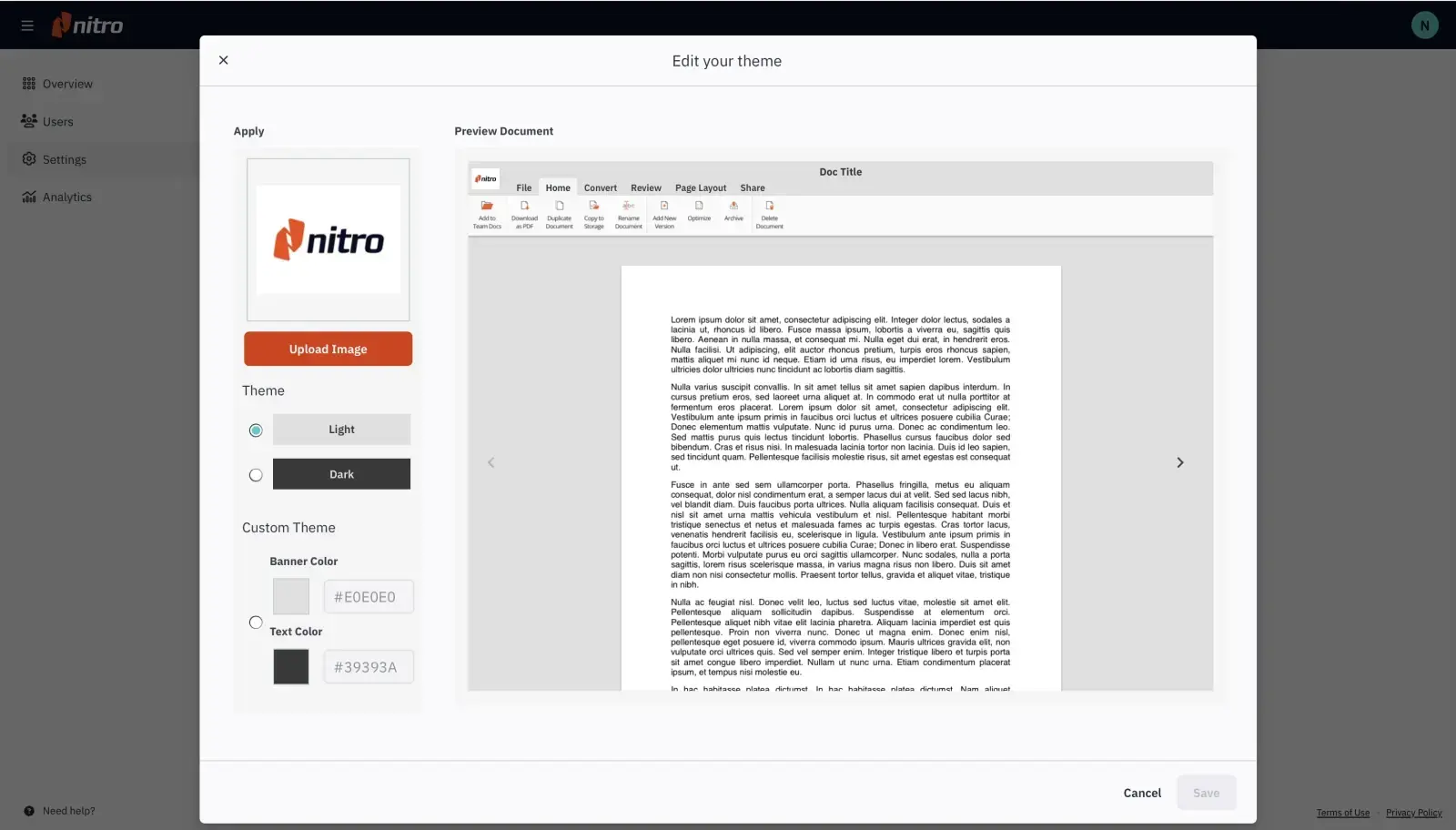
- In the modal that opens, you can upload your logo and choose a banner and text color that will apply to all users in your account. Click Save to apply your changes.
This personalization will now appear when users belonging to your account login to Nitro Sign, and when any emails (including signature requests, reminders, and share notifications) are sent from any of your users' Nitro Sign accounts.
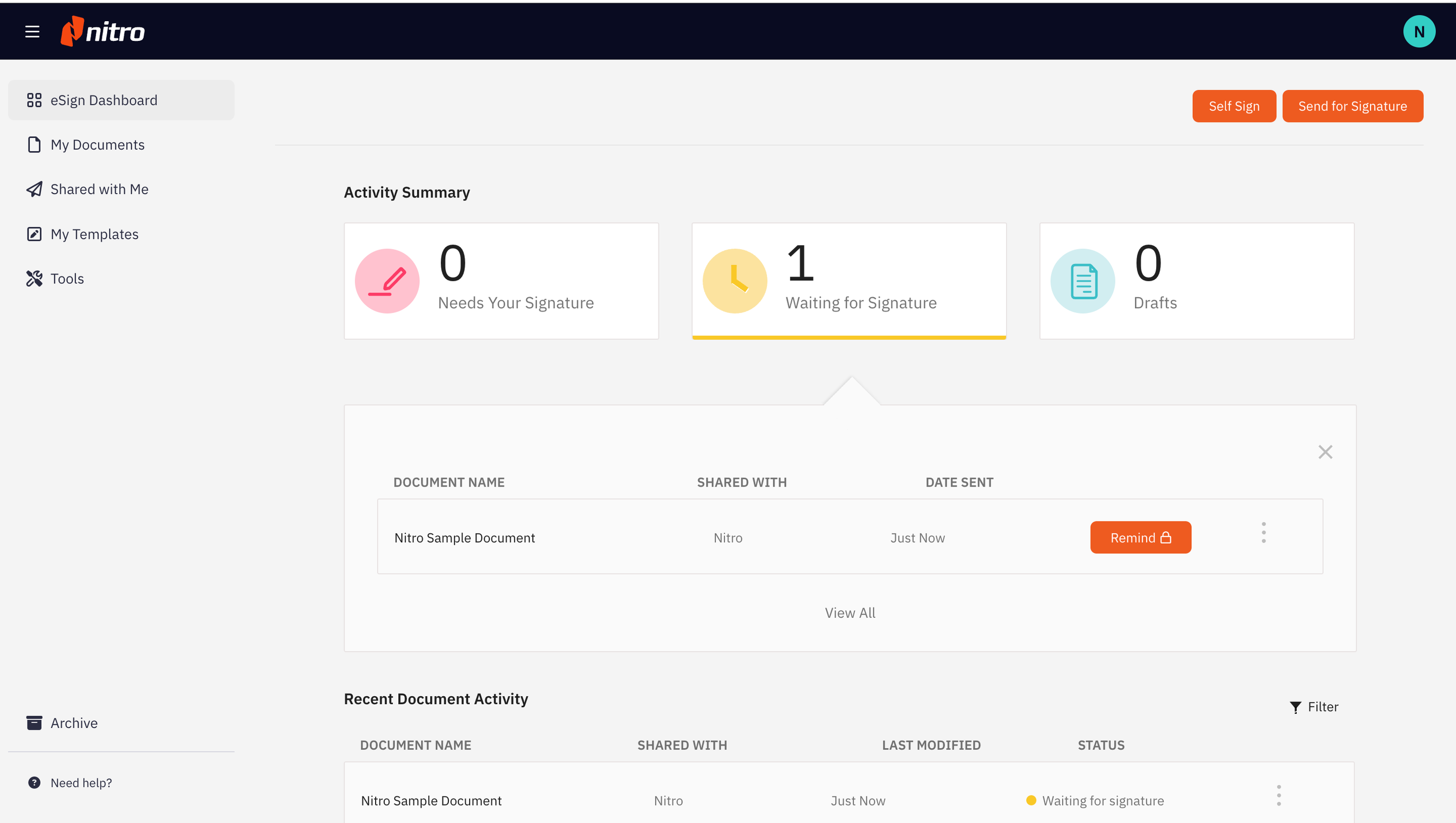
Below is an example of a signature request email that reflects the branding set up in the steps above.